 PicToon
Bring old family photos back
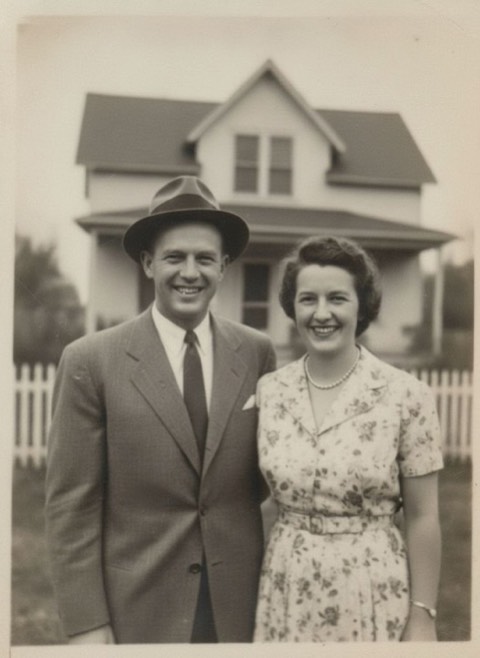
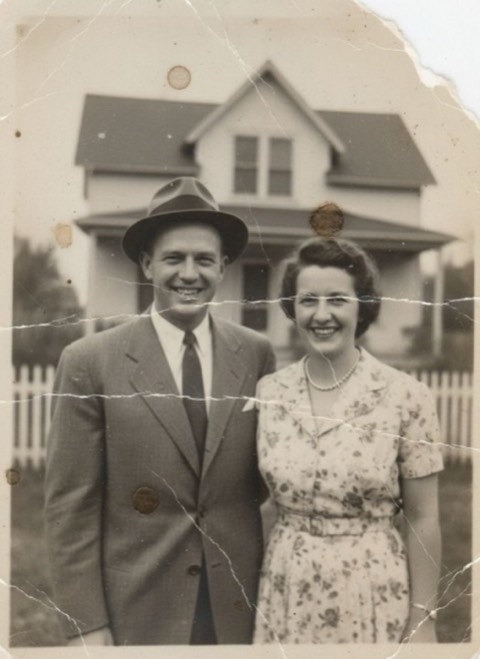
Scratches, creases, water damage, faded colour and the softness that comes from a bad scan — the AI reconstructs what was lost rather than blurring over it, so faces come back with detail instead of turning into plastic.
Three tools: Repair fixes physical damage and fading, Colorize adds natural colour to a black and white picture, and Enhance sharpens and upscales a soft or low-resolution scan. Photograph the print with your phone and you are done.
Free to download · 3-day free trial · iPhone, iOS 15.0+
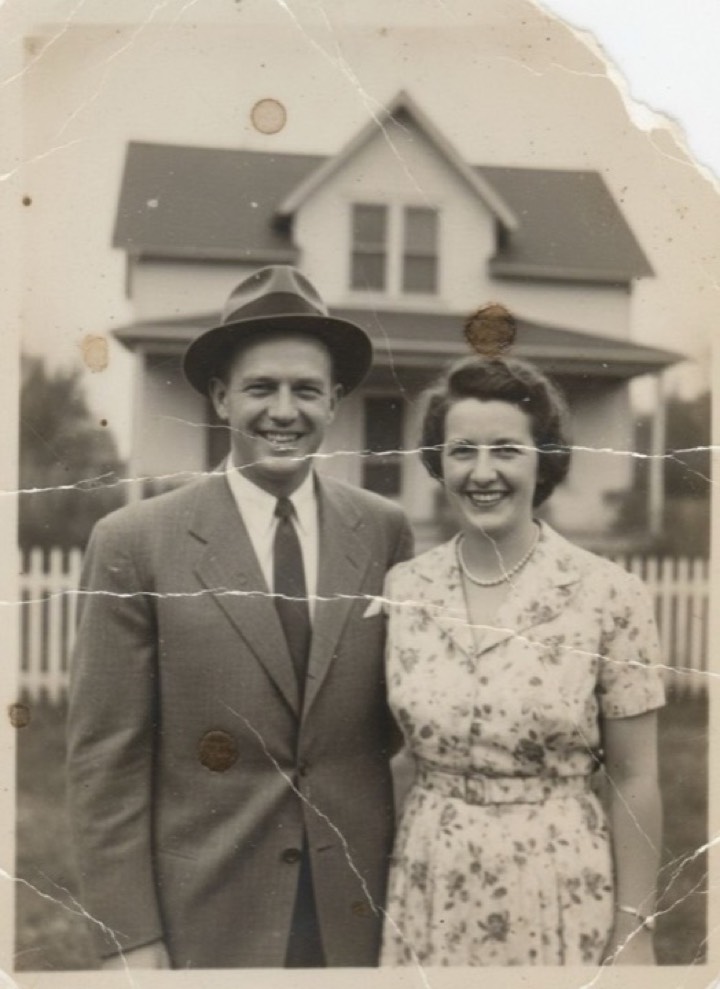
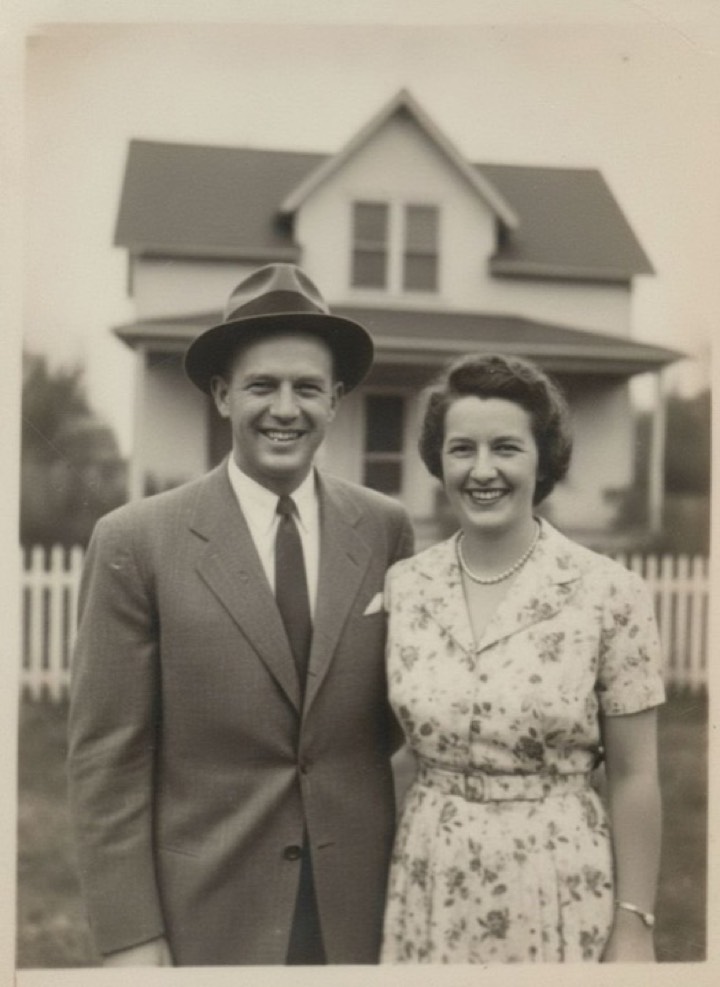
Restore Old Photo
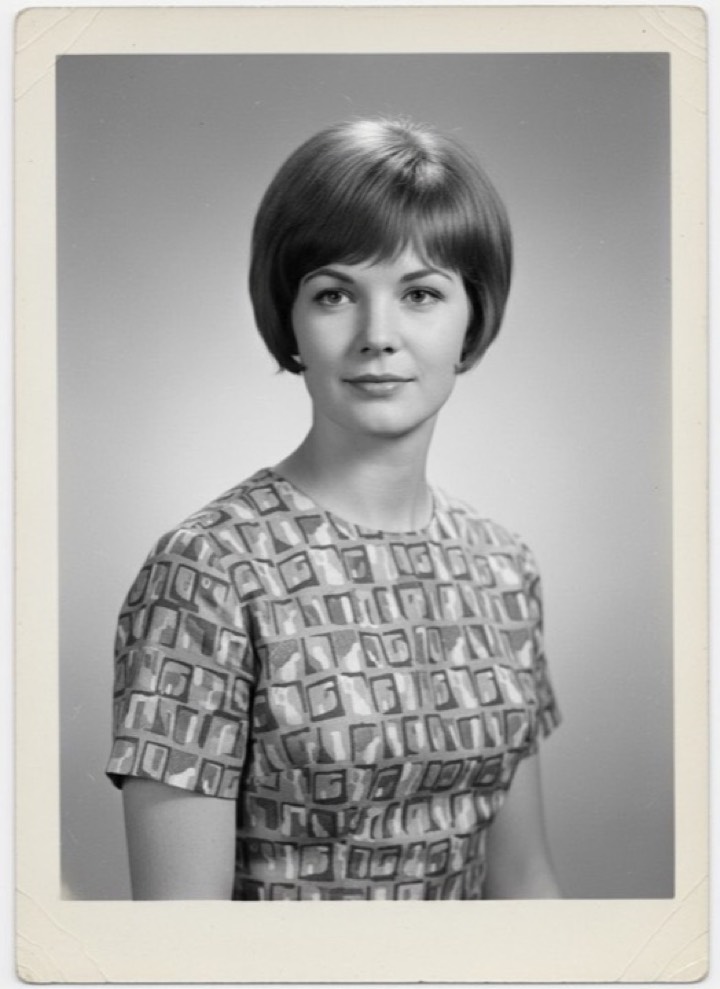
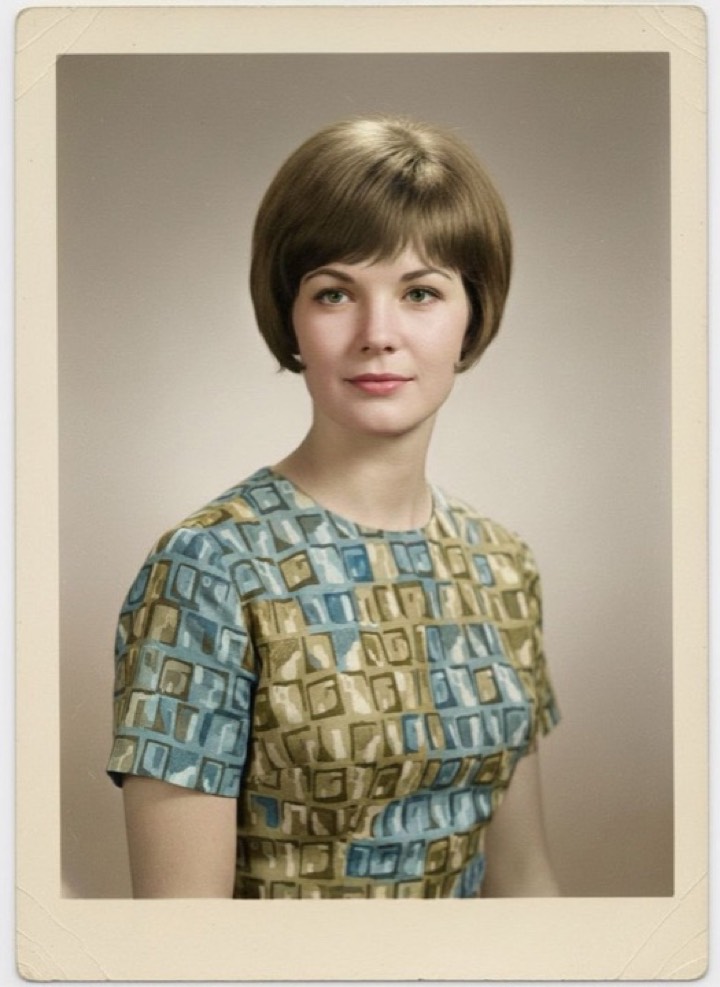
Colorize B&W
All 3 restore styles
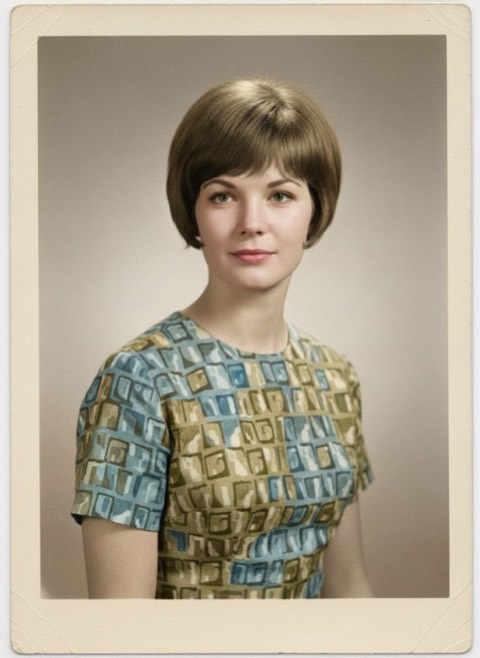
Restore Old Photo, Colorize B&W, Enhance & Sharpen. Hover or tap a result to see the photo it started from.
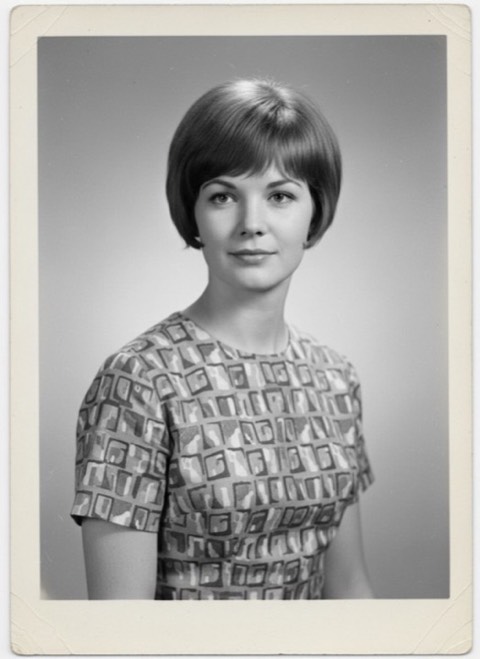

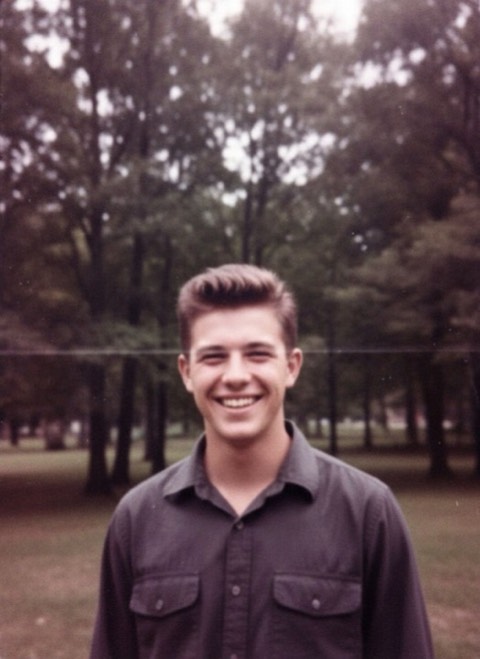
Restore — questions
How do I restore a printed photo?
Photograph the print in even daylight, flat and square to the camera, then run it through Repair. Avoid flash — it reflects off the print surface.
Are the colours in a colorized photo accurate?
They are a plausible reconstruction, not a record. Skin tones and natural materials are usually convincing; specific clothing colours are a guess.
Can it fix a badly blurred photo?
Enhance recovers softness and low resolution well. Heavy motion blur is the one thing no tool can truly reverse — it will invent detail rather than recover it.
Other style categories
Restore styles are in the app right now
Free to download, with free generations to try before you subscribe.